
What is Screen Recording PC?
Why Use Screen Recording PC?
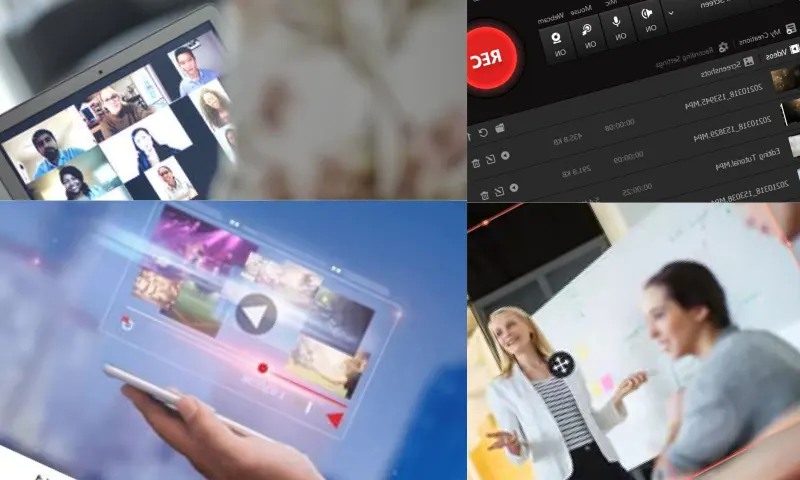
Screen recording PC refers to the process of saving any visual content on a computer screen in video format. You can visit https://recorditor.com/en/ for more information about screen recording PC. This process allows users to document the activities they perform on their desktop. It is commonly used in content such as education, presentations, software demonstrations, or game videos. Screen recording from a PC can be done on various operating systems like Windows, MacOS, and Linux, through different software and built-in tools. For computer users, the screen recording feature offers an important functionality for both professional and personal purposes.
Commonly Used Tools for Screen Recording PC
Screen recording PC is preferred for various reasons. In education, teachers or instructors can record their lesson explanations step-by-step on the screen in video format. This makes complex topics easier to understand. Also, software developers record their screens to show how their applications work or how to use them. Taking a screen recording is also very useful for providing technical support. Users encountering a problem can share these recordings with technical teams by recording their screens. There are many tools for screen recording PC. Windows users can easily record their screens using the built-in tool, Xbox Game Bar. MacOS users can perform screen recording operations through QuickTime. Besides these, popular third-party software like OBS Studio and Camtasia, which can be used on both Windows and MacOS, offer a more professional experience. OBS Studio is preferred for being open-source and free, while Camtasia stands out with its advanced editing features. Both software can record high-definition video.