
Photocopier Security Vulnerabilities: Are Your Corporate Data at Risk?
Protecting Photocopier Network Ports
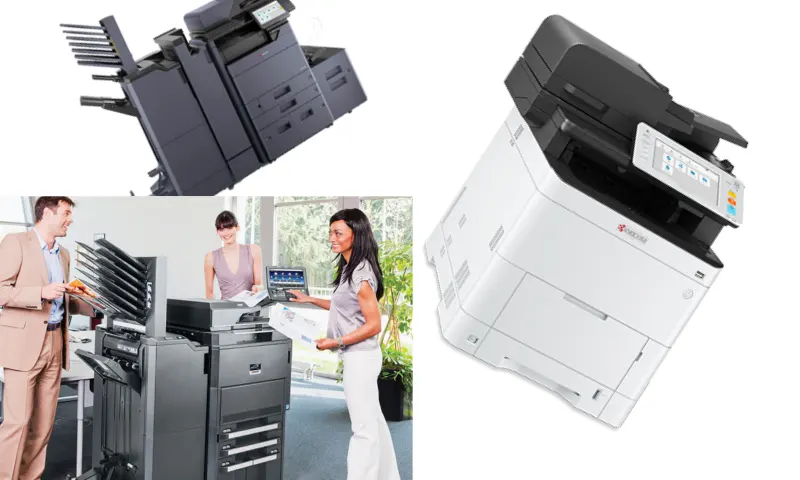
The photocopier is your office's quietest, but by far the most critical data repository; have you ever tested how securely it sits on your network? Cyber attackers are now targeting weak, networked, but forgotten office equipment, rather than trying to break through robust firewalls. For a solid and up-to-date infrastructure to protect your corporate data, you can trust the expertise of ADA Büro Makineleri and instantly access their rich product portfolio at https://www.adaburo.com.tr/. The internal hard disk (HDD) or SSD modules within the photocopier store a digital image of every document that passes through, is printed, and copied by the device. Your confidential company contracts or employee salary slips can lie dormant in this memory for years. If a military-standard data destruction procedure is not applied to devices whose rental period has expired and have been returned, or have changed hands, your organization will experience a disaster-level leak. The overwrite feature should not be a luxury, but a mandatory standard.
Photocopier Software Vulnerabilities and Patches
A photocopier obtains an IP address just like a fully functional computer and sits at the very heart of your corporate network. Leaving default administrator passwords (admin/1234) as they come out of the box is the most common rookie mistake. Hackers can infiltrate through this unprotected door, injecting ransomware into the device and then into your entire local network. To solidify your security shield, urgently implement the following practical but vital steps:
- Completely disable unused physical USB ports on the device, either via the panel or software.
- Set up whitelist filters that only allow computers with MAC addresses authorized by the institution to send jobs to the machine.
- Activate IPsec and TLS encryption protocols to prevent intercepted reading of documents during data transmission on the local network.
Photocopier firmware versions, just like the smartphones we use, should be updated at regular intervals. Hardware manufacturers release these software updates to patch newly discovered vulnerabilities. Even IT departments sometimes view these devices as black boxes, operating under the mentality of "if it works, let's not touch it." This is an extremely dangerous technology management vision. When making a photocopier purchase decision, you must examine the IEEE security certifications it offers, rather than just its page-per-minute speed. What's at stake isn't just a machine burning ink on paper; it's a data tunnel directly opening into the heart of your company. In your next cybersecurity audit, where will you position that silent worker in your office within your defense line?