
Why Doesn't the Save Button Work?
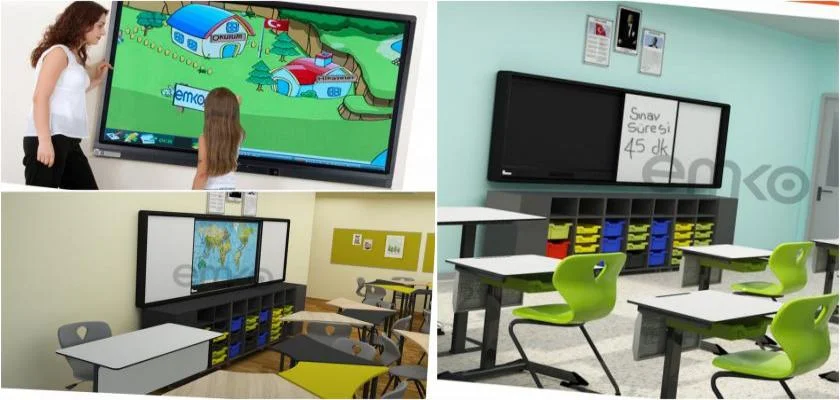
Interactive Smart Board
Save issues are one of the most common problems, and to resolve this, the playback and save volume must be adjusted accordingly. This way, potential issues are fixed. In cases of ongoing problems, check the source of the saving device; this will make the save button work. For smart board issues, when these disruptions occur, it is necessary to obtain the required service and information from the manufacturing companies. First, for interactive smart board products, if an external computer is not being used, check if the HDMI cable is connected to the external computer. Also, verify if the USB port on the teacher's desk is connected to external computers, and ensure the HDMI cable is connected to the LED screen. Additionally, check if the USB cable's LED screen is on, and ensure the necessary drivers for touch functionality on the external computer are installed.
Why Doesn't the Smart Board Operating System Start?
It is necessary to find answers to some problems, such as whether there is an internet infrastructure issue and if other systems in the school are working without disruption. If these problems persist with interactive smart board products, other options to check include whether it is connecting to the internet, the Ethernet cable, the activity of the network adapters, and the browser's online mode. If the problems continue after performing the necessary checks, it is essential to obtain the required service and information from the manufacturing companies.